
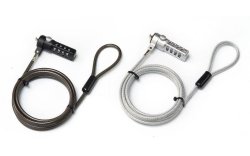

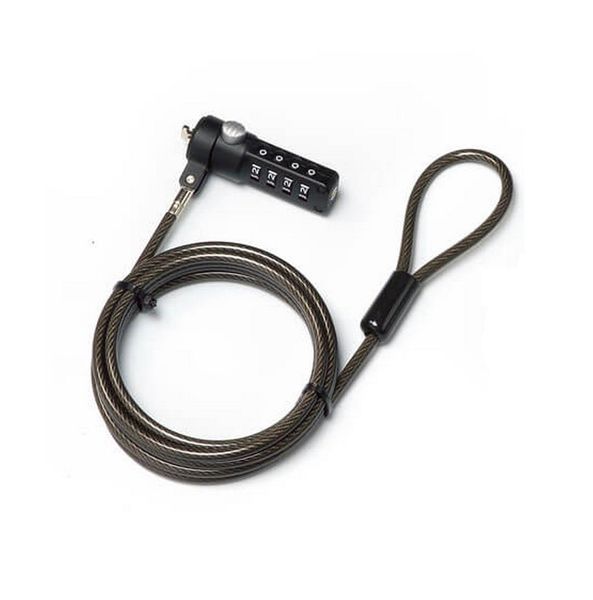
| Brand | RCT |
| Manufacturer | RCT |
| Model Number | 6009881185220 |
Easy to install
Ideal theft deterrent
Designed to secure most notebooks, projectors, LCD and plasma screens.
RESET COMBINATION
- The pre-set combination is 0-0-0-0.
- In order to set your own combination. hold the lock and using a small flat-head screwdriver or similar object, push in (B) and rotate the reset screw 90 degrees clockwise so that the screw's groove appears horizontal, then reset your own new combination.
- Then rotate the reset screw 90 degrees counter clockwise back to its original vertical position to save the new combination.
- Record the combination in either the space provided at the end of this
TESTING THE COMBINATION
BEFORE ATTACHING THE LOCK TO YOUR NOTEBOOK COMPUTER.
- Turn the dials to disguise the combination.
- Return to the combination you set.
- Check that locking button depresses completely
DIRECTIONS FOR USE
Step 1 : Loop the cable around a secure object.
Step 2 : Insert the lock into the computer slot then rotate (clockwise) the lock to 90 degrees.
Release button (A) and mix number combination.
Step 3 : To open the lock, use your own combination and press button (A) then rotate (anti-clockwise) the lock to 90 degrees to open the lock.
 Related Products
Loading similar products...




Stay informed about the best deals and price drops. Choose which notifications you'd like to receive from PriceCheck.

Free easy-to-follow course for anyone in South Africa who wants to learn how to start a digital business.


